
Apple's Guideline 2.5.19 Puts Hidden Features Next to Account Termination. What It Means If Your App Uses Remote Flags
On 16 October Apple gave hidden, dormant and undocumented features their own App Review guideline, 2.5.19, with the penalty written into it: removal of the app and termination of the developer account. Apple calls it a clarification of an old rule. If any part of your app can be switched on from a server, here is what goes in the review notes, and a prompt that finds every flag for you.
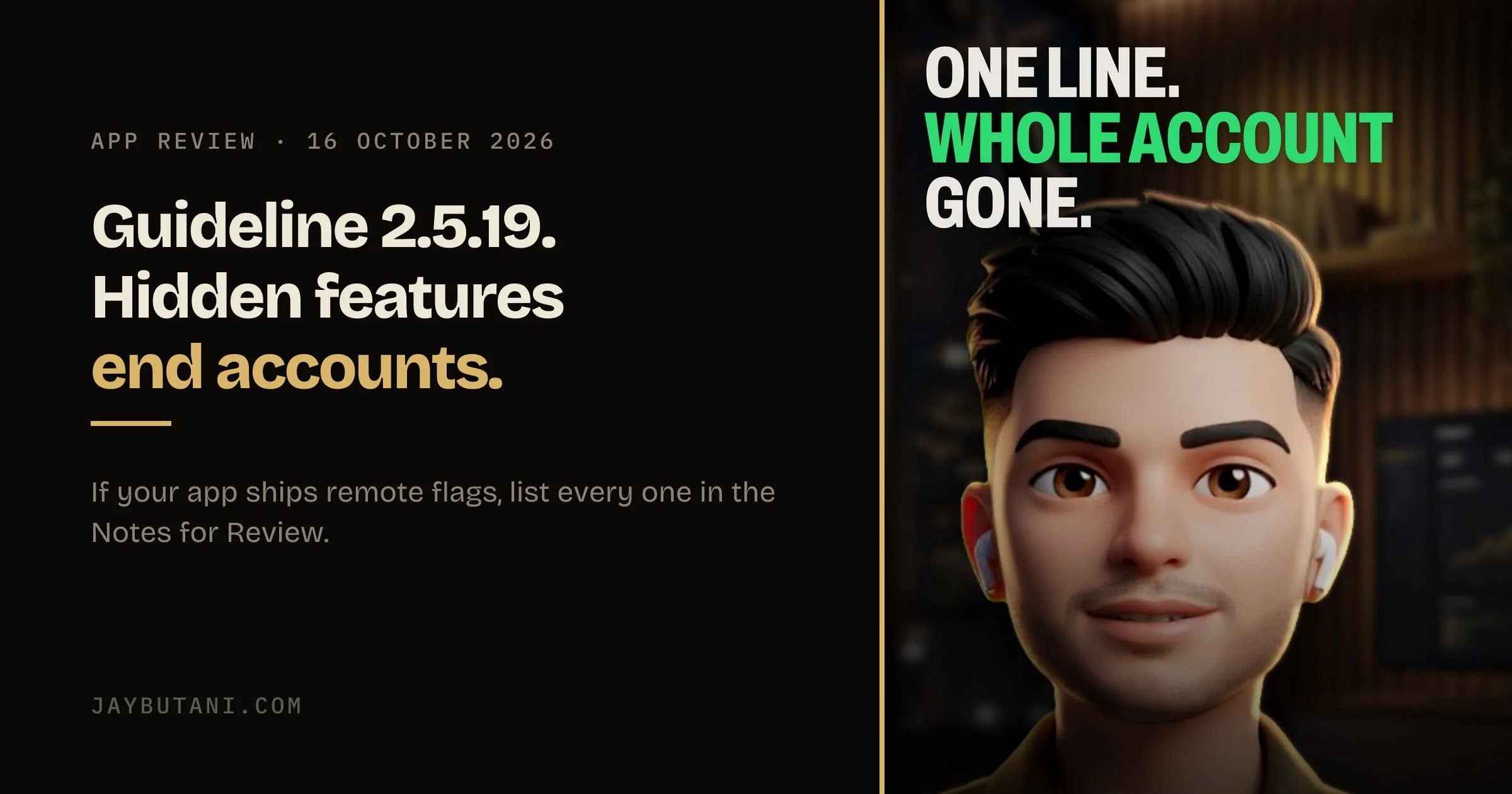
On 16 October Apple updated the App Review Guidelines and posted the change list on its developer news page. Most of it is housekeeping. One entry is a new number, 2.5.19, and it ends with the harshest sentence a guideline can have.
What Apple added
Here is the guideline in full, as it reads on Apple's App Review Guidelines page today.
Don’t include any hidden, dormant, or undocumented features in your app; your app’s functionality should be clear to end users and App Review. Attempting to hide undocumented features in your app binary, such as through code obfuscation or other methods, is grounds for removal of your app from the App Store and termination of your developer account.
— App Review Guidelines 2.5.19, added 16 October 2026
Apple's own change list describes it like this: '2.5.19: New guideline clarifies long-standing policy on hidden, dormant, or undocumented features, formerly covered in Guideline 2.3.1.' So this isn't a new ban. It's an old one moved into its own numbered line, with the penalty written right next to it.
That matters more than it sounds. A rejection cites a number. A number with 'termination of your developer account' in it is a different conversation from a general note about describing your app accurately.
Why remote flags are the part to check
A remote flag is a switch the app reads from a server: Firebase Remote Config, a feature-flag service, or a JSON file you host yourself. The app ships with the code for a feature, the flag keeps it off, and you turn it on later without a new build. It's how most teams roll out slowly and safely, and AI coding tools reach for it often, because 'put it behind a flag' is a sensible default.
The word that catches it is dormant. A screen that only switches on after approval is, from App Review's side, a screen nobody reviewed. The flag doesn't have to be sneaky for that to be true. It's enough that the reviewer opened the app and the feature wasn't there.
The reel uses a made-up app called Stash with three keys. ai_chat is on and was reviewed. promo_banner is off. paywall_v2 flips on after approval. The third one is the problem: a new paywall review never saw is exactly what 2.5.19 describes, and the kind of thing Apple has the most reason to care about.
Two moves before your next submission
1. Find every flag
You may not know how many there are, especially in a project an AI agent has worked on for months. So ask it. This works in Claude Code, Codex, Grok or any AI you build with, as long as it can read the project.
List every feature flag and remote config key in this project,
and what each one switches on.
Then check the answer against the remote config console. Keys pile up on the server that the code no longer reads, and the code reads keys nobody remembers creating.
2. Put every one in the Notes for Review
Including the ones that are off. Guideline 2.3.1(a) already asks for this.
All new features, functionality, and product changes must be described with specificity in the Notes for Review section of App Store Connect (generic descriptions will be rejected) and accessible for review.
— App Review Guidelines 2.3.1(a)
Accessible for review is the half people skip. If a feature is off by default, say how the reviewer turns it on: a demo account, a test flag, a switch on a debug screen in the review build. A note that says a feature exists but gives no way to reach it doesn't do much.
Where it gets grey
Apple doesn't say where a flag stops being a setting and starts being a feature, and this post won't pretend it does. A flag that changes a button's colour for an A/B test isn't the same as a flag that unlocks a paid screen. A workable line: anything a user would notice as new, and anything that touches money, gets written down. An extra sentence in the notes costs very little next to the other outcome.
FAQ
What is App Store guideline 2.5.19?
A rule added to Apple's App Review Guidelines on 16 October 2026. Apps can't include hidden, dormant or undocumented features, and attempting to hide undocumented features, for example through code obfuscation, is grounds for removing the app and terminating the developer account.
Is guideline 2.5.19 a new policy?
Apple says no. Its change list describes it as a clarification of long-standing policy that was formerly covered in guideline 2.3.1. The policy now has its own number, with the penalty written into it.
Does 2.5.19 ban remote config and feature flags?
No. It is about features hidden from users and App Review. A flag is fine when every feature it controls is described in the Notes for Review and the reviewer can reach it.
What should go in the Notes for Review?
Every new feature, functionality and product change, described specifically, per guideline 2.3.1(a). That includes features switched off by default, with a way for the reviewer to turn them on.
This is the long version of Patch Notes #01, a reel for @buildjayy on Instagram, where one App Store change goes up each week. If you're building an app, send me the word BUILD there, or start with the brief form on the front page.
Sources: App Review Guidelines, guidelines 2.5.19 and 2.3.1(a), quoted as they read on 28 October 2026; Apple Developer News, Updated App Review Guidelines are now available, 16 October 2026, for the change list. Stash is a made-up app and its flag names are examples.
- 28 Oct 2026
- Published, with the reel.

Product builder from Surat. Ships his own apps, runs live broadcasts, and takes on a few founders a year for product, brand and growth. hey@jaybutani.com