
Apple Is Tightening Full Disk Access on the Mac Because of AI Agents. What It Means If You Run One
On 2 October Apple said Full Disk Access will need 'very explicit user action' because AI agents make it too dangerous to hand out casually. No date, no mechanism yet. What is known, what set it off, and the part most developers miss: every agent you run in a terminal already has whatever that terminal has.
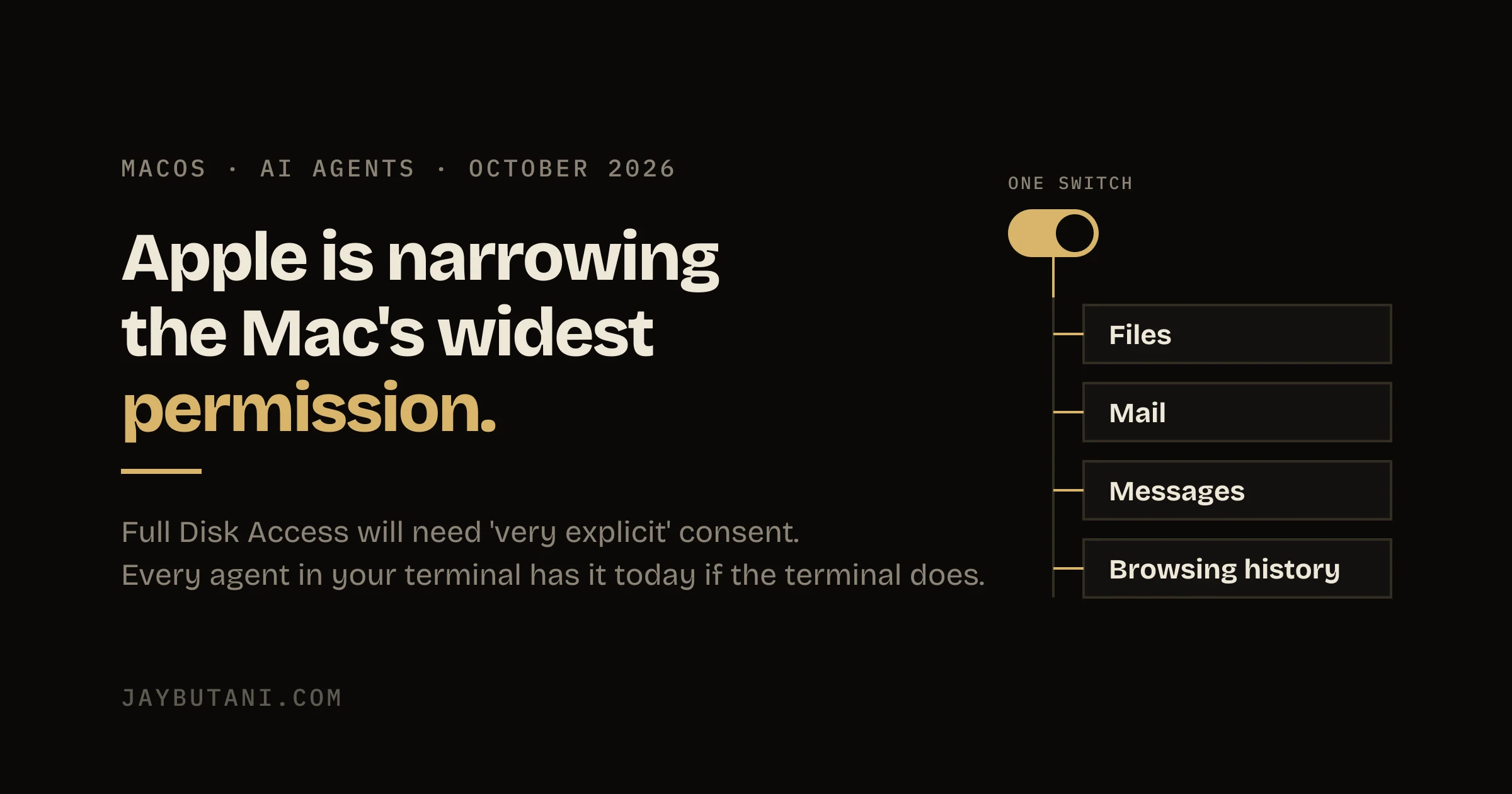
On 2 October Apple put a two-paragraph note on its developer news page titled Updates to Full Disk Access in macOS. It says some developers are using the permission in ways that put users at risk, and that Apple will add controls so the only way to grant it is with 'very explicit user action'. The reason it gives is AI agents.
There's no date, no description of the new prompt and no change to App Review in the note. Those are the honest limits of the news. What it does tell you is where Apple thinks the line is, and that line runs straight through how most developers on a Mac work in 2026.
What Apple said
The note is short enough to quote the part that matters in full.
Going forward, we will introduce additional controls to ensure that users who genuinely wish to grant an app this extraordinary level of access can only do so with very explicit user action. Addressing this is critical. As AI agents become increasingly capable and autonomous, the risks associated with this level of access will grow substantially.
— Apple Developer News, 2 October 2026
Two other lines are worth reading closely. Apple says Full Disk Access 'largely sidesteps' its privacy controls 'in order to allow backup apps to function properly'. And it says that for communication apps, granting it 'can also compromise the privacy of the people users are communicating with'. That second sentence is the new argument. Your consent can't cover the person on the other end of your messages.
Apple didn't name an app. It didn't say which macOS release gets the change. It didn't say whether apps that already hold the permission keep it. Anything written about those three points this week is a guess, this post included, and the guesses are marked as guesses below.
What Full Disk Access actually unlocks
Over the last several releases the Mac has learned to ask before an app reads protected places: Mail, Messages, Safari history, Photos, Contacts, Calendars, the Desktop and Documents folders. Each one is its own prompt. Full Disk Access, added in macOS Mojave in 2018, is the master key that switches off that whole layer for one app, set once in System Settings, Privacy & Security, Full Disk Access.
- Files
- Everything in your home folder, including the folders that normally trigger a prompt.
- The local mail store, every account the Mail app syncs.
- Messages
- The Messages database on disk, which holds iMessage and SMS history going back as far as the Mac has synced it.
- Browsing history
- Safari's history and other browser data stored under your Library folder.
Those four are the ones Apple's note lists. A backup app needs all of it, which is why the permission exists. An assistant that wants to answer 'what did my editor say yesterday' needs some of it, and asking for the master key is easier than building around the individual prompts. That gap is what Apple is closing.
What set it off
Apple's note doesn't say. The reporting around it all points at the same dispute. On 19 September, Inc. columnist Jason Aten wrote that Meta's Muse agent on his Mac had synced his Messages, reaching row 187,462 of the database, after he says he declined to give it access. He noticed when Muse suggested a column idea based on a recent conversation with his podcast co-host.
Meta disputes it. Its communications chief, Andy Stone, replied on X that Muse 'can't read your Messages' unless two things are on: Full Disk Access in macOS, and the Messages connector inside Muse. David Singleton of Meta Superintelligence Labs said on Threads that the Messages integration is opt-in. Aten says Full Disk Access was off. As of today that is unresolved, and this post doesn't take a side on it.
What isn't disputed is the design. An always-on agent with Full Disk Access can read a whole Messages history. The only thing between that and the agent is one setting in the agent's own app. That is the arrangement Apple's note describes as putting users at risk, whoever is right about Aten's Mac.
The part developers miss: your terminal
This is where it stops being a story about Meta. When you run a command-line tool inside Terminal, iTerm or any other terminal app, macOS checks protected-data access against the app that launched it, not the tool. Grant your terminal Full Disk Access once, for a backup script or a find across your home folder, and every process it starts inherits it. That includes Claude Code, Codex, an npx script you ran once, and every MCP server those agents start.
Coding agents read files to do their job. That's the point of them. The question is whether 'files' means your project or means your Messages database too, and on a lot of developer Macs the answer is set by a toggle someone flipped years ago and forgot.
The test takes ten seconds. Open the terminal you run agents in and list the Messages folder.
ls ~/Library/Messages

# ls: /Users/you/Library/Messages: Operation not permitted
#   -> no Full Disk Access. Agents started here can't read it either.

# Attachments  chat.db  chat.db-shm  chat.db-wal  ...
#   -> Full Disk Access is on. So is every agent you launch from here.
If you see chat.db, the agent you started from that window can open your entire message history with an ordinary file read. No prompt appears, because the permission was already granted.
What to do about it today
None of this needs Apple's update. All of it works on the Mac you have now.
- Take Full Disk Access off the terminal you code in. System Settings, Privacy & Security, Full Disk Access. If something needs it, it will fail loudly and you'll find out what.
- Keep a second terminal app for the jobs that genuinely need it. Backups, disk cleanup, the odd system script. Never start an agent there.
- Turn on the agent's own sandbox. In Claude Code it is off by default. Run
/sandboxin a session, or setsandbox.enabledin~/.claude/settings.json. On macOS it uses Apple's built-in Seatbelt framework. - Then block reads outside the project. By default Claude Code's sandbox can still read most of the machine, including
~/.ssh. Thepermissions.blockReadsOutsideWorkingDirectoriessetting closes that for sandboxed commands. - Remember what the sandbox doesn't cover. In Claude Code it wraps shell commands. The built-in file tools, MCP servers and hooks run outside it and follow permission rules instead, so a broad read allow rule still matters.
- Audit the Full Disk Access list once. Most Macs have apps on it nobody remembers adding. Every one of them is a master key.
{
  "sandbox": {
    "enabled": true
  },
  "permissions": {
    "blockReadsOutsideWorkingDirectories": true
  }
}
Taking Full Disk Access off the terminal is the change that does the most. The sandbox is a second wall. With both, an agent can still break your project, but it can't read your messages.
What happens next
Everything in this section is a guess, labelled as one.
The obvious template is screen recording. In macOS Sequoia, Apple started re-asking users at intervals whether apps should keep screen recording access, because 'allowed once, years ago' was doing the work of consent. A Full Disk Access grant that has to be confirmed with a password or Touch ID and then expires would fit the words 'very explicit user action'. So would a warning that names Mail and Messages instead of describing 'full disk access' in the abstract.
The part that would matter most to developers is whether terminals get treated differently. A terminal is the one app where 'full disk access' is a reasonable thing to want and also the one app where whatever you grant is passed to code you didn't write. If Apple's new control asks the question per child process rather than per terminal, it changes how every coding agent on the Mac works. Nothing in the note says it will.
The thing to watch is the next macOS beta's release notes. That's where a mechanism will show up first, and this post gets a changelog entry when it does.
Why I care about this one
Most of this site's code was written with an agent in a terminal, which I've said plainly before. And Arth, the app I'm building, files bank alerts as transactions without anything leaving the phone. The whole pitch is a permission story. People hand an app their money messages only when they can see exactly what it reads and where it goes.
A permission that hides four kinds of private data behind one vague switch is bad for everyone building on the honest side of that line. Apple making the switch harder to flip is the right call. Doing it without a date is less useful, so check your own terminal now rather than waiting for the prompt.
FAQ
What is Full Disk Access on a Mac?
A macOS privacy permission, in System Settings under Privacy & Security, that lets one app read protected data that normally needs its own prompt: Mail, Messages, Safari history, and protected folders in your home directory. Apple says it exists so backup apps can work.
What did Apple announce about Full Disk Access?
On 2 October 2026 Apple said it will add controls so Full Disk Access can only be granted with very explicit user action, because AI agents make the risks of that level of access grow. It gave no release date or details of the new control.
Did Meta's Muse read a user's iMessages?
Disputed. Inc. columnist Jason Aten reported on 19 September 2026 that Muse synced his Messages after he declined access. Meta says Muse needs both macOS Full Disk Access and its own Messages connector switched on to read Messages. Aten says Full Disk Access was off.
Does Claude Code or Codex get Full Disk Access?
Only if the terminal you run it in has it. macOS attributes a command-line tool's access to the app that launched it. Run `ls ~/Library/Messages` in that terminal: 'Operation not permitted' means it doesn't have Full Disk Access.
How do I stop an AI coding agent reading files outside my project?
Remove Full Disk Access from the terminal you code in, then use the agent's sandbox. In Claude Code, turn it on with /sandbox or sandbox.enabled, and set permissions.blockReadsOutsideWorkingDirectories to stop sandboxed commands reading your home directory.
Sources: Apple Developer News, Updates to Full Disk Access in macOS, 2 October 2026, for every quote from Apple; The Next Web, 30 September 2026, for Jason Aten's report and the statements from Andy Stone and David Singleton; Claude Code sandboxing docs for the sandbox defaults and settings, read 6 October 2026. The ls test was written for this post; the output shown is the standard macOS response.
- 6 Oct 2026
- Published. Apple has not given a date or described the new control; this post will be updated when it does.

Product builder from Surat. Ships his own apps, runs live broadcasts, and takes on a few founders a year for product, brand and growth. hey@jaybutani.com