
Face ID Works in the Dark. So Why Won't It Open for a Sleeping Face?
Face ID doesn't need light: it reads your face with invisible dots and infrared. It stays locked for a sleeping face because it also checks your eyes are open, and that check is a setting you can lose without noticing.
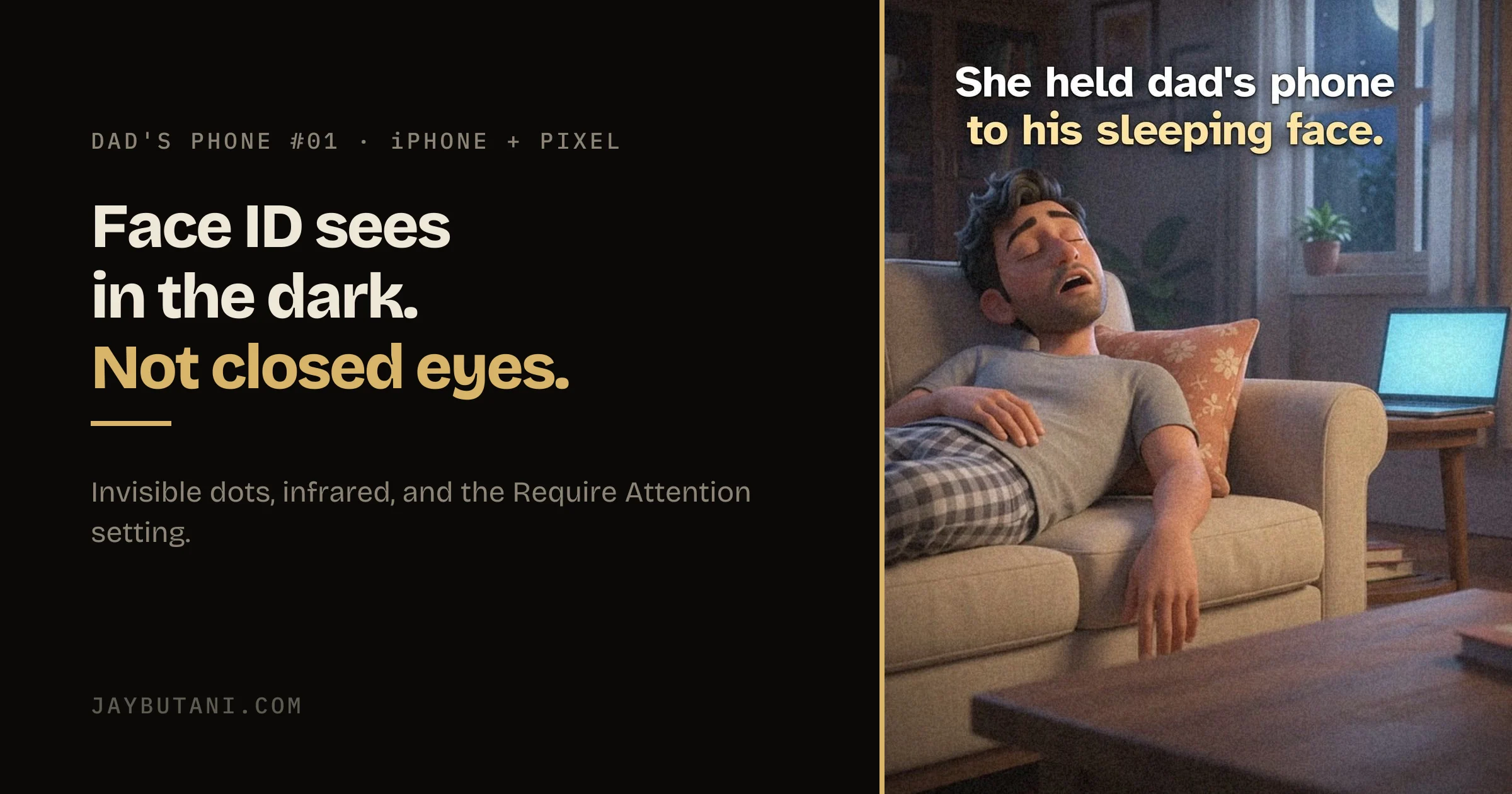
A made-up story, made with AI video: dad falls asleep on the couch, and his three-year-old holds his iPhone up to his sleeping face in a dark room. It stays locked. The dark isn't the reason.
Why the dark doesn't matter
The TrueDepth camera captures accurate face data by projecting and analyzing thousands of invisible dots to create a depth map of your face and also captures an infrared image of your face.
— Apple Support, About Face ID advanced technology
Apple says it's designed to work indoors, outdoors and even in total darkness. Some cameras can pick up the infrared light, which is why it sometimes shows up in other phones' videos.
Why it stayed locked
Face ID also recognizes if your eyes are open. Apple says that makes it more difficult for someone to unlock your device without your knowledge, such as when you are sleeping.
The setting, and when it's off
- The check is Require Attention for Face ID, under Settings > Accessibility > Face ID & Attention.
- Apple: it's turned off automatically if you enable VoiceOver during initial setup, so check it if you did.
- Apple says the odds of a false match are higher for twins, siblings who look like you, and children under 13, and suggests a passcode if that worries you.
On a Pixel, and everyone else
Google's Pixel 7 and later have Require attention on screen: when it's on, you must look directly at the screen to unlock. Google also says Face Unlock might not work in a low light environment, such as a dark room, so Pixel owners can use a fingerprint there. On other Android phones, look in the face unlock settings for an eyes-open or attention option.
This is the long version of Dad's Phone #01, a short film, a reel for @buildjayy on Instagram. If you're building an app, send me the word BUILD there, or start with the brief form on the front page.
Sources: Apple Support, About Face ID advanced technology; Google Pixel Help, Use Face Unlock on your Pixel phone.
- 1 Nov 2026
- Published, with the reel.

Product builder from Surat. Ships his own apps, runs live broadcasts, and takes on a few founders a year for product, brand and growth. hey@jaybutani.com